01
Post it as filmed
Honest, and it sounds like you. But it looks like every other phone on a stand, the room is lit by a ceiling lamp, and the phone microphone flattens the piano. People scroll on.
Looks flat. Sounds small.
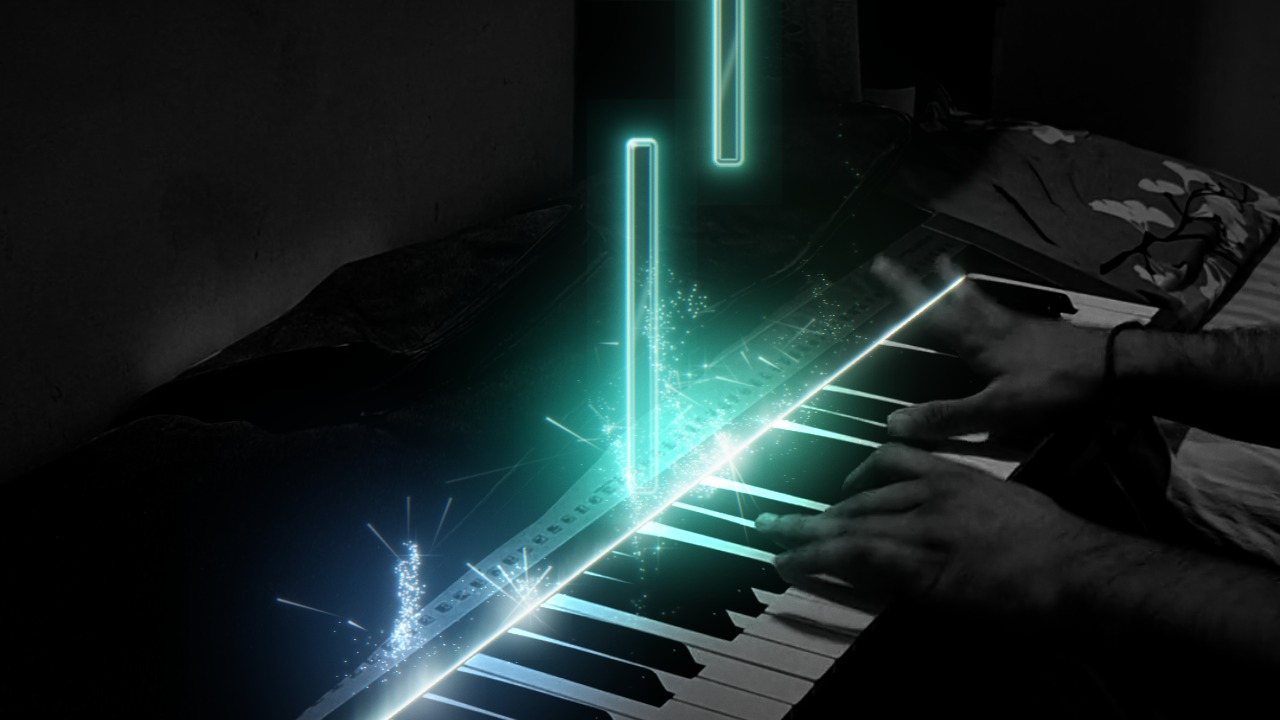
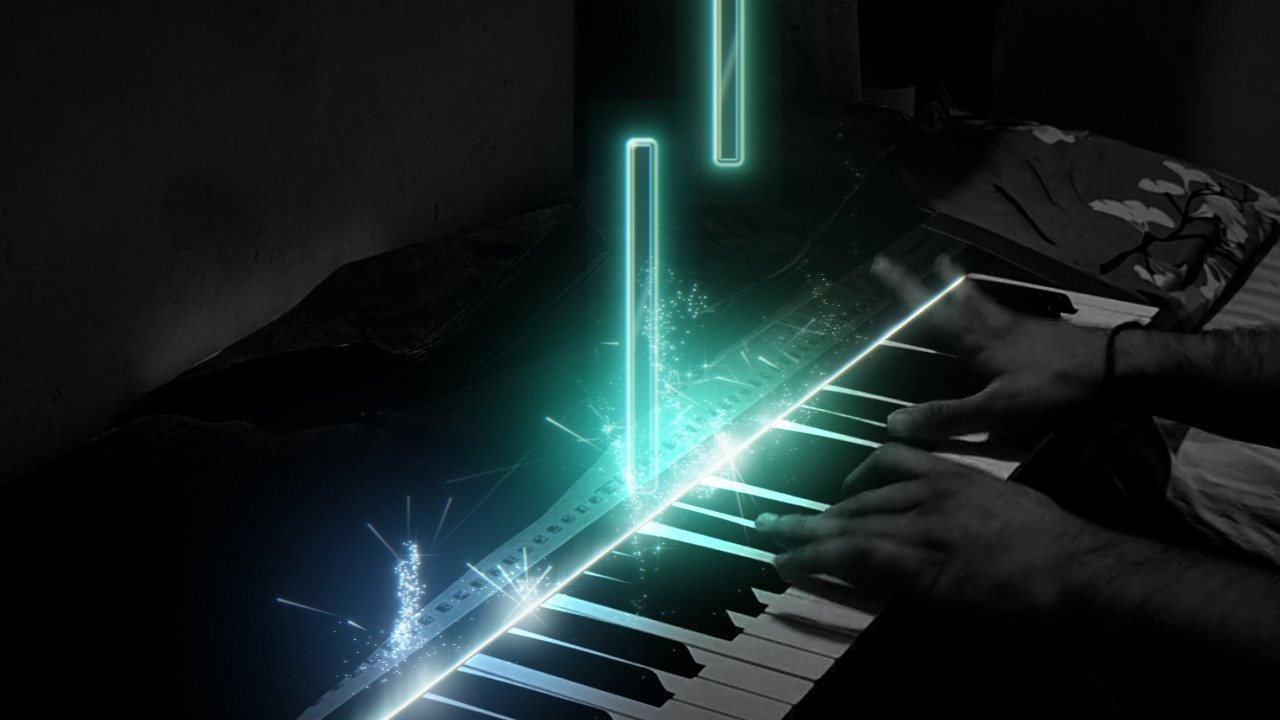
Drop in the video you filmed on your phone. Pianoverse finds every note you played and lights it up on your own keys, with sparks, camera moves and a grand piano sound to match.Every note you played, lit up on your own keys.
Weeks of practice, one perfect run, filmed on a phone on a stand. Then you have three choices, and none of them was made for you.
Honest, and it sounds like you. But it looks like every other phone on a stand, the room is lit by a ceiling lamp, and the phone microphone flattens the piano. People scroll on.
Premiere, After Effects, particle plugins, keyframes. It can look amazing, after weeks of learning and hours per video, because the editor has no idea which note you played when. Every spark is placed by hand.
Beautiful falling notes, built around the MIDI file. Your footage, your room and your sound come second: many draw a keyboard of their own, and the camera, the light and the audio are still yours to fix elsewhere.
Pianoverse starts from your video, and reads your music.
Give it the MIDI from your digital piano, or just the video: it listens and finds the notes itself. From then on every effect knows what you played, when, and how hard.
Pick a look and the whole video changes at once. Then tune any part of it, and save it as your own preset so every video on your channel looks like yours.
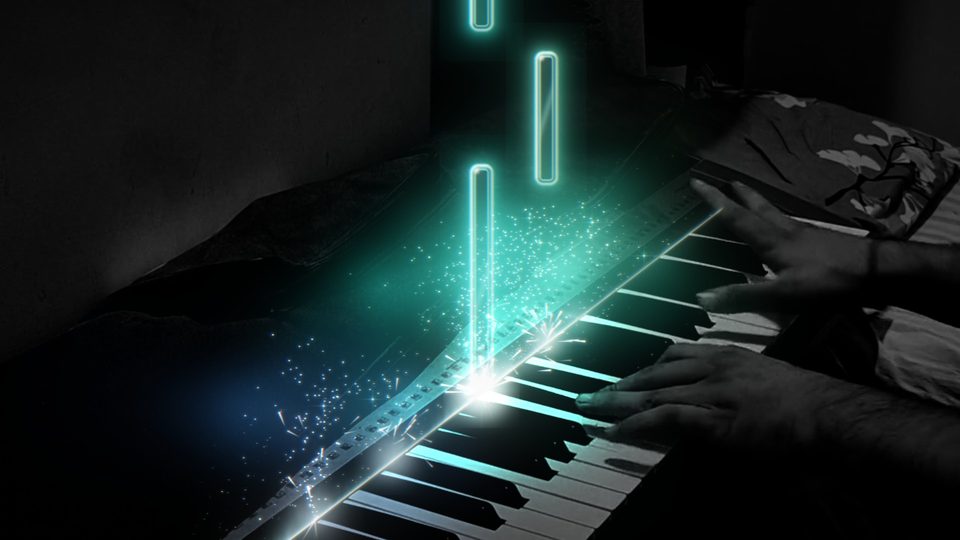
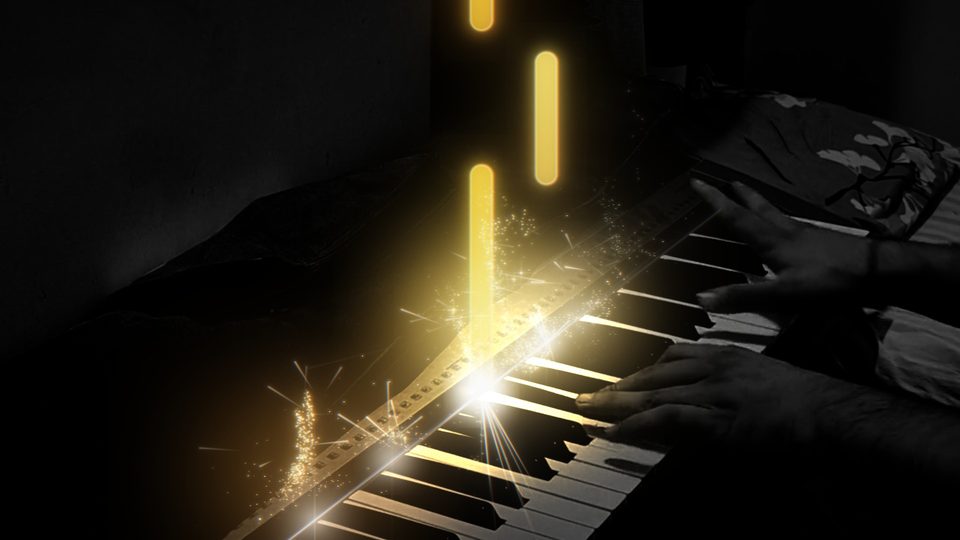
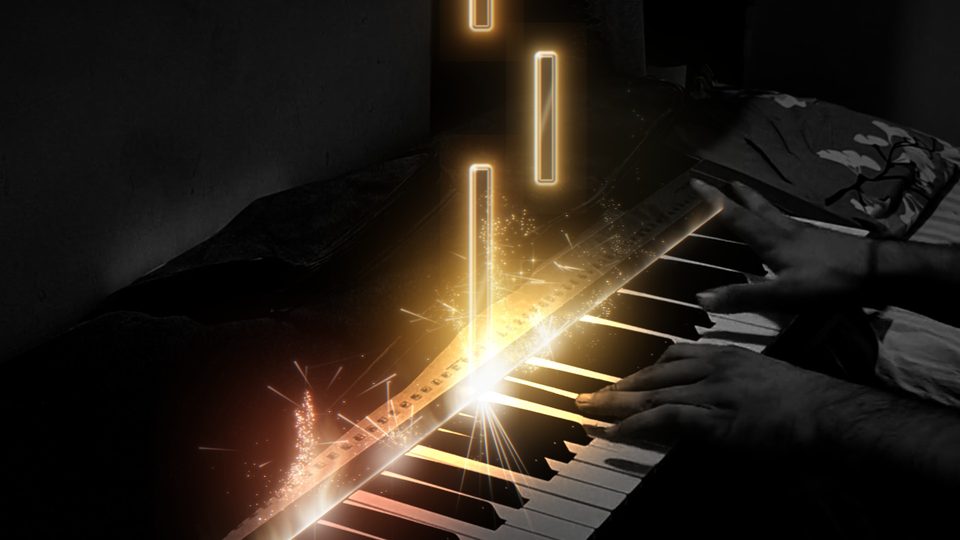
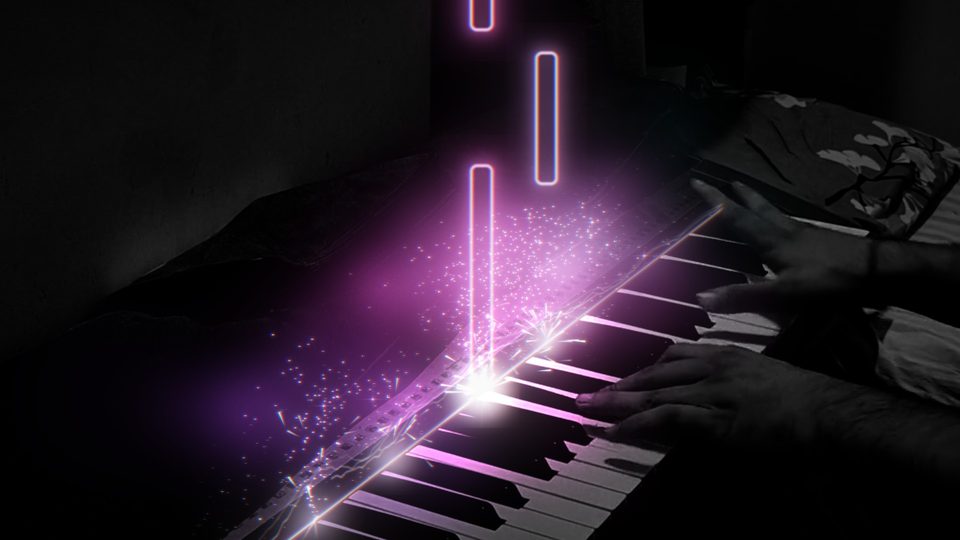
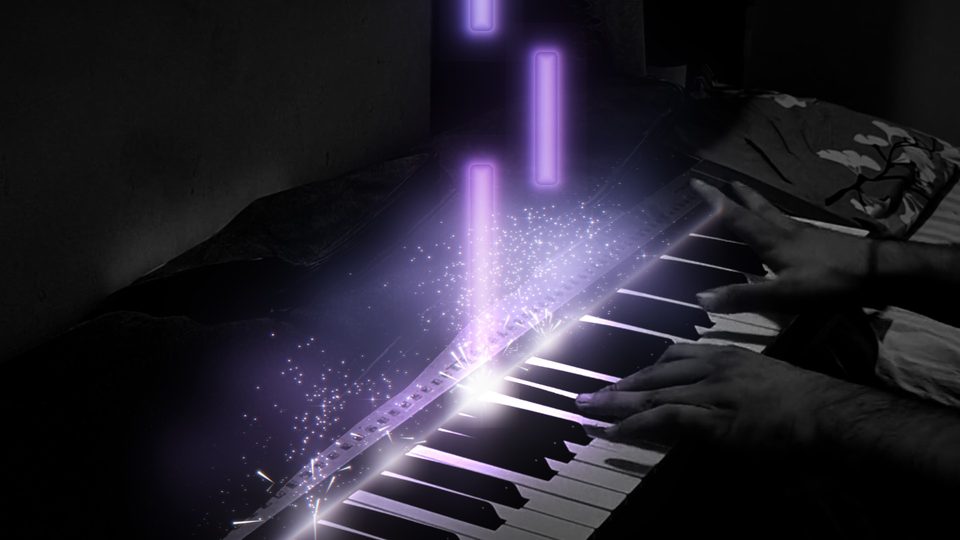
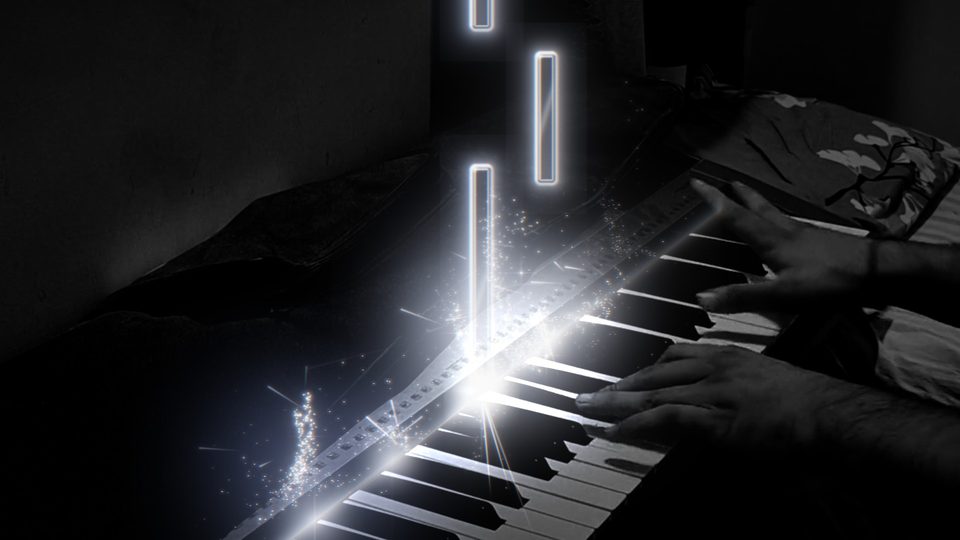
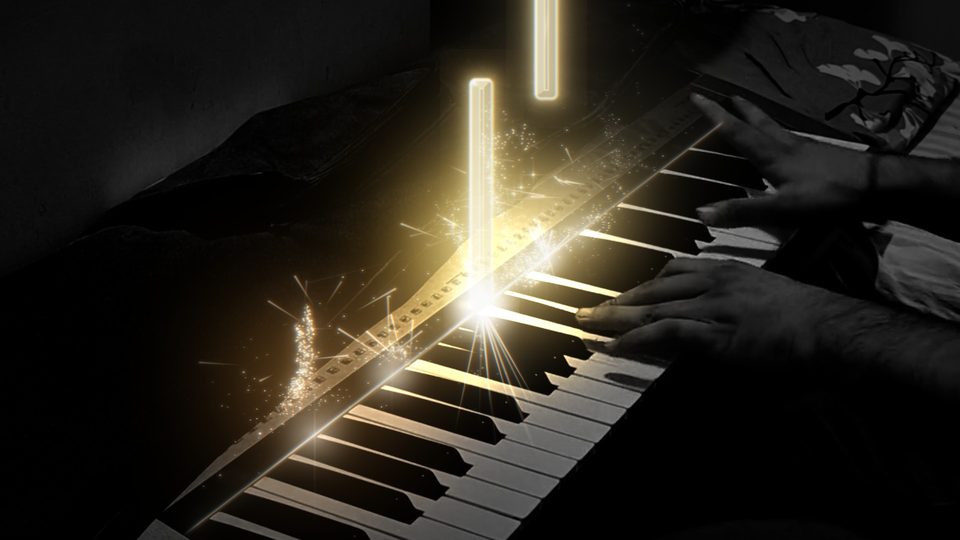
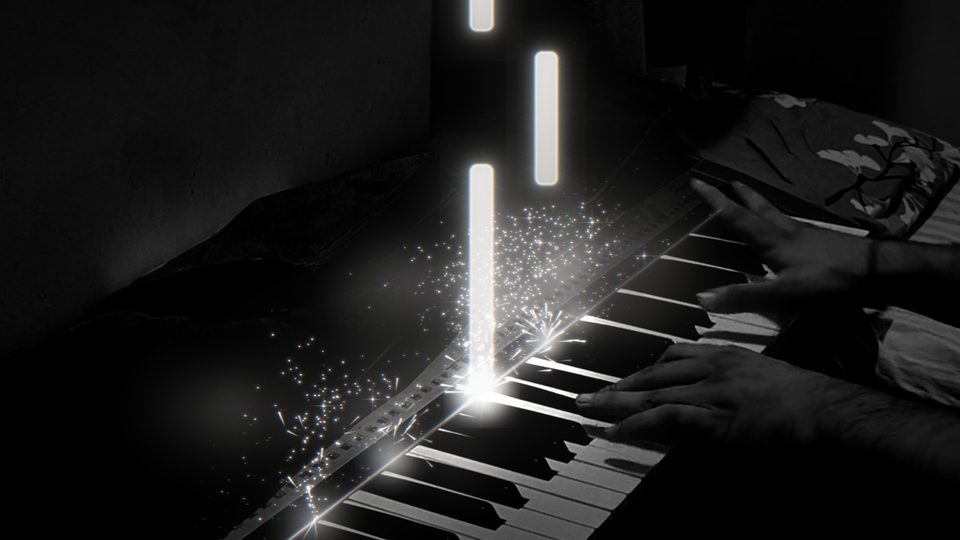
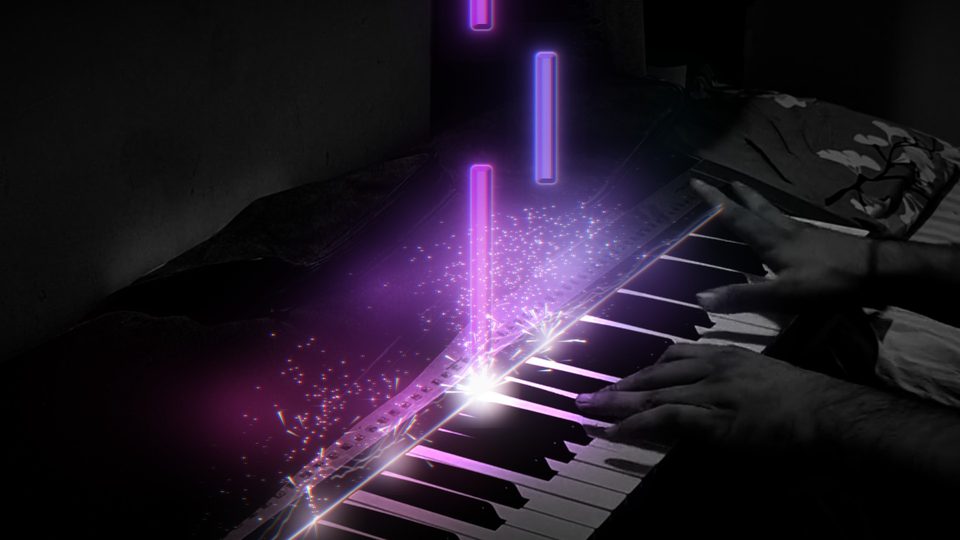
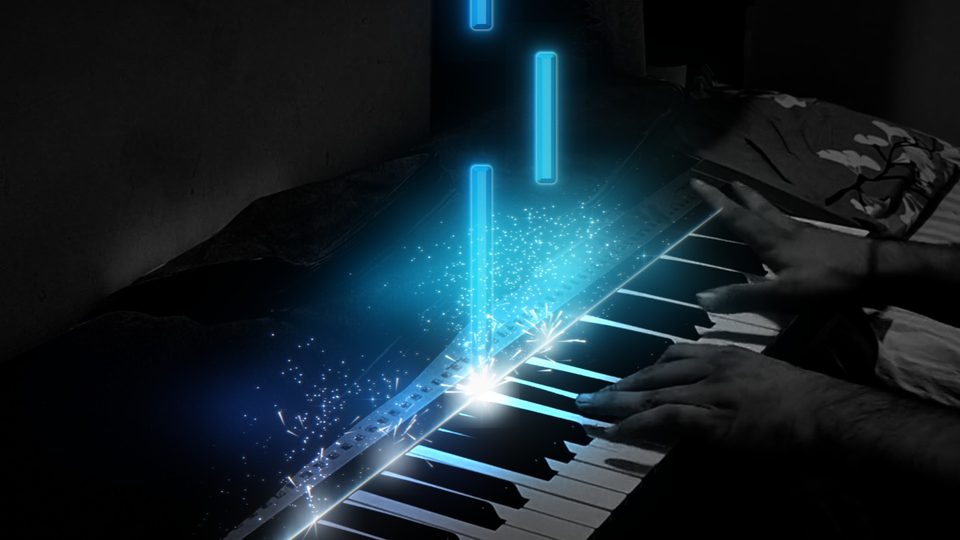
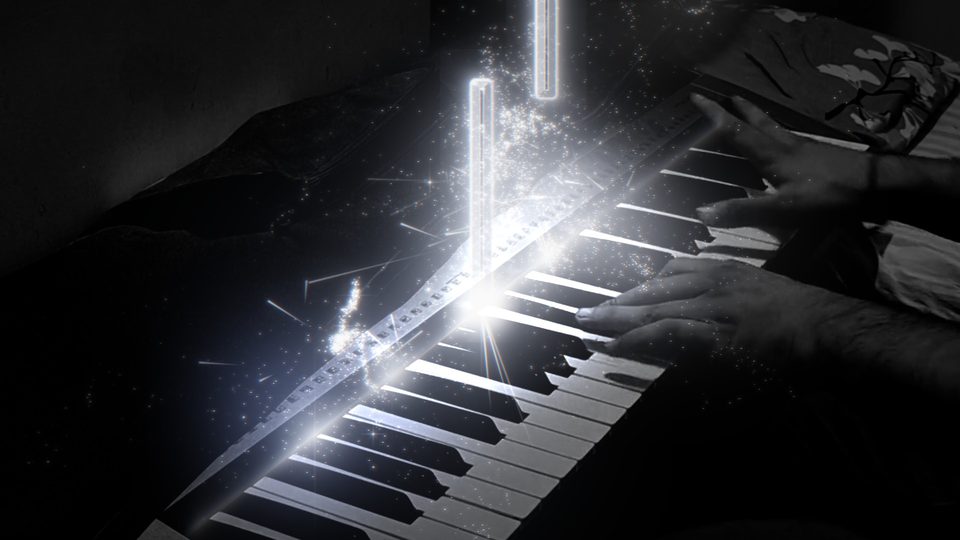
Swipe for all eleven.
Every note you play throws sparks from its key, and harder notes throw more. Pick a stretch of the music on the timeline and the sparks gather into a shape: a heart for the chorus, a star for the last chord, your channel's logo for the outro.
Most piano videos are filmed at home under a ceiling lamp. Pianoverse finds your keyboard, lights the keys you play, and lets the room fall into shadow. The notes and sparks stay bright on top.
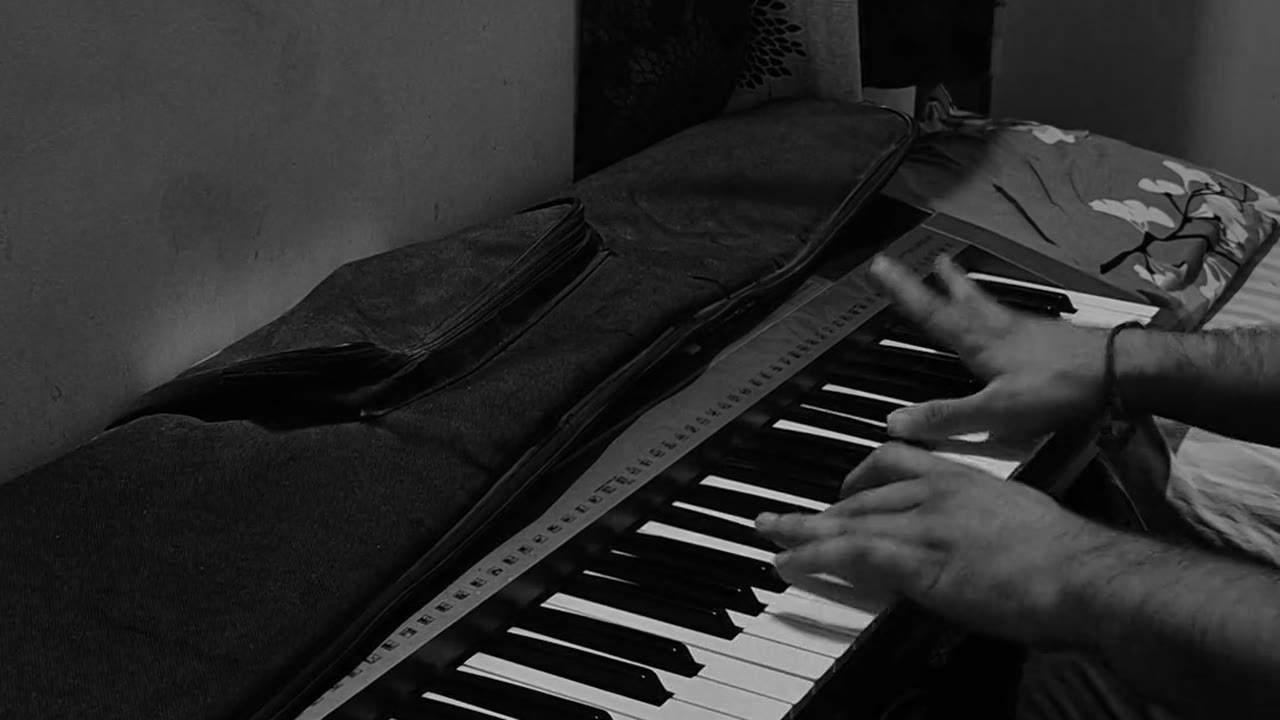
You filmed one wide shot. Pianoverse turns it into a cut: close in on the loud chords, follow your hands up the keyboard, pull back wide for the ending. Every move lands on a bar line, because it knows where the bars are.
The shots lane. Every cut sits on a bar line. Drag a shot to move it, or let the auto camera place them all.
A phone microphone makes a grand sound like an upright in a cupboard. Keep your own recording and give it a hall, or let Pianoverse play your notes back on a sampled concert grand. Or blend the two.
Grand piano: Salamander Grand Piano by Alexander Holm, CC-BY 3.0.

Five steps, left to right, the same every time. No timeline to learn, no keyframes, no plugins. Most of it is choosing what you like.
The tools you might use today are good at what they were made for. Here is where each one fits.
| Question | PIANOVERSE | General video editorsPremiere Pro, After Effects, CapCut | Piano visualizersSeeMusic, Keysight |
|---|---|---|---|
| Starts from your own video | Yes, your take is the picture | Yes | SeeMusic: yes, over your footage. Keysight: its own 3D scene |
| Knows which note you played | Yes, from MIDI or from the audio | No, every effect is placed by hand | Yes, from MIDI. SeeMusic can also turn audio into MIDI |
| Camera moves on the music | Cuts on the bar, punches in on loud chords | By hand, with keyframes | Camera moves in their 3D piano scenes |
| Piano sound | Sampled grand, sustain pedal, hall reverb, loudness for social | General audio tools, no piano | Keysight makes no sound of its own |
| To learn | Five steps, left to right | Weeks, then hours per video | Quick to start |
| Price | Free | Premiere and After Effects: subscription. CapCut: free, Pro paid | SeeMusic: free, Pro from $8.99 a month. Keysight: $29.99 |
| Account needed | None. No login, no sign-up | Adobe account for Premiere and After Effects | SeeMusic: App Store. Keysight: Steam |
| Runs on | Windows 10 and 11 | Windows and Mac | SeeMusic: Mac. Keysight: Windows and Mac |
Product names belong to their owners. Checked against each product's own store page in October 2026; prices and features change.
Pick where it's going and Pianoverse sets the size, frame rate and sound level. It uses your graphics card to encode, so you're not waiting all evening.
| Shorts and Reels | 1080 × 1920 | YouTube Shorts, Instagram, TikTok |
|---|---|---|
| Landscape | 1920 × 1080 | YouTube |
| Square | 1080 × 1080 | Feeds and posts |
| 4K vertical | 2160 × 3840 | The sharpest phone screens |
| Transparent | ProRes 4444 | Effects only, to layer in Premiere or DaVinci |

Yes. Pianoverse listens to the video and finds the notes itself. MIDI just makes it exact.
Yes, including the HEVC videos iPhones record by default.
That's fine. The keyboard is followed frame by frame, so the notes stay on the keys.
Not yet. Pianoverse is Windows only for now.
Nothing. Pianoverse is free, with no login and no sign-up.
Yes, they're yours. The grand piano sound is free to use with a credit line.